 SyncFolder
Two-way and one-way sync
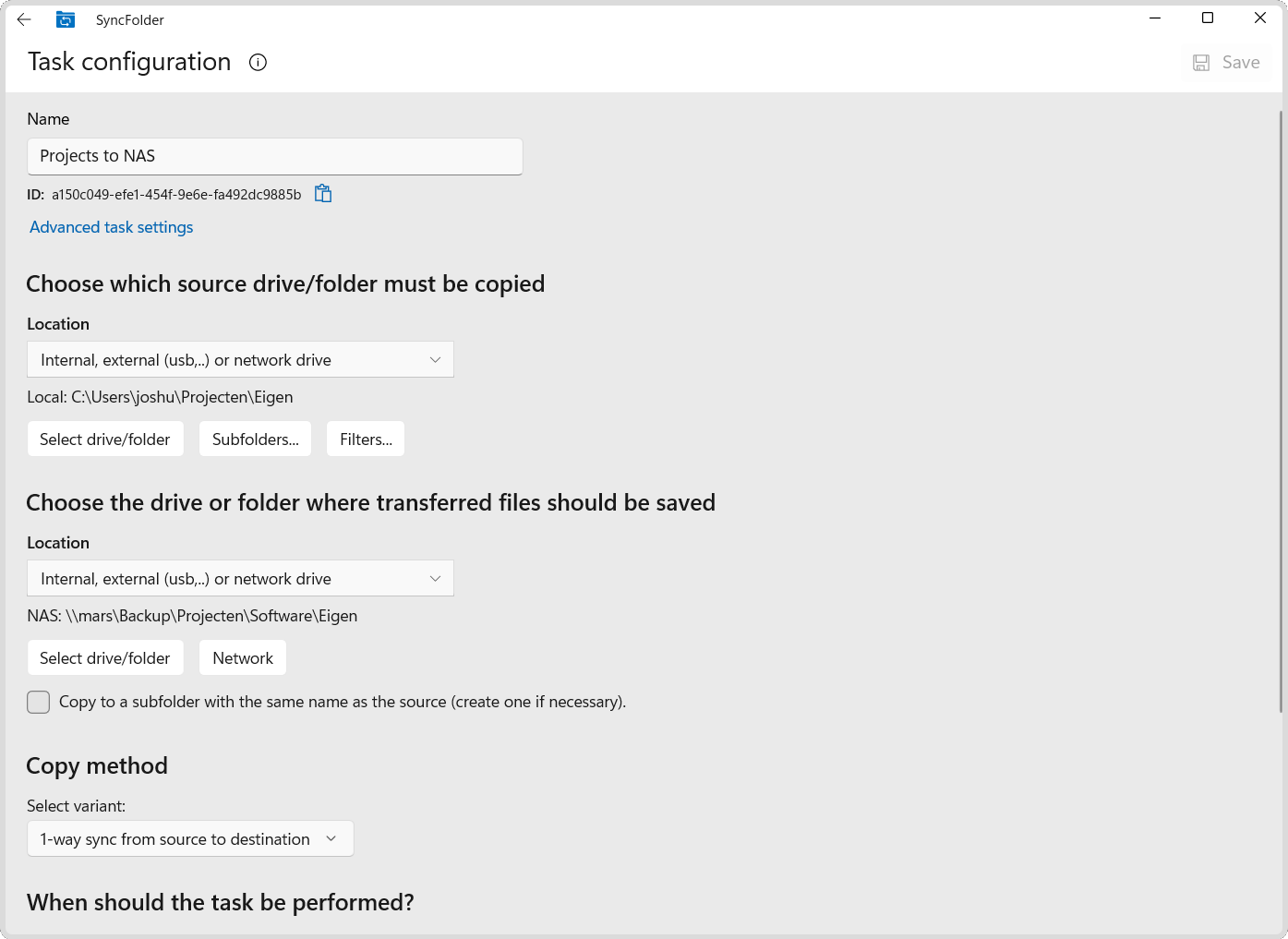
Mirror changes in both directions, or keep a one-way backup — you decide per task.
SyncFolder
SyncFolder automatically synchronizes your folders between drives, network shares, cloud storage and your Android device — fast, reliable and fully under your control.
Mirror changes in both directions, or keep a one-way backup — you decide per task.
Local and external drives, network shares, OneDrive, Google Drive, WebDAV servers, FTP/SFTP servers, or your phone over SyncFolder Mobile Sync.
Run tasks on a schedule, on a trigger, or react instantly as files change.
Fine-grained include/exclude patterns, plus optional versioned history of changed files.
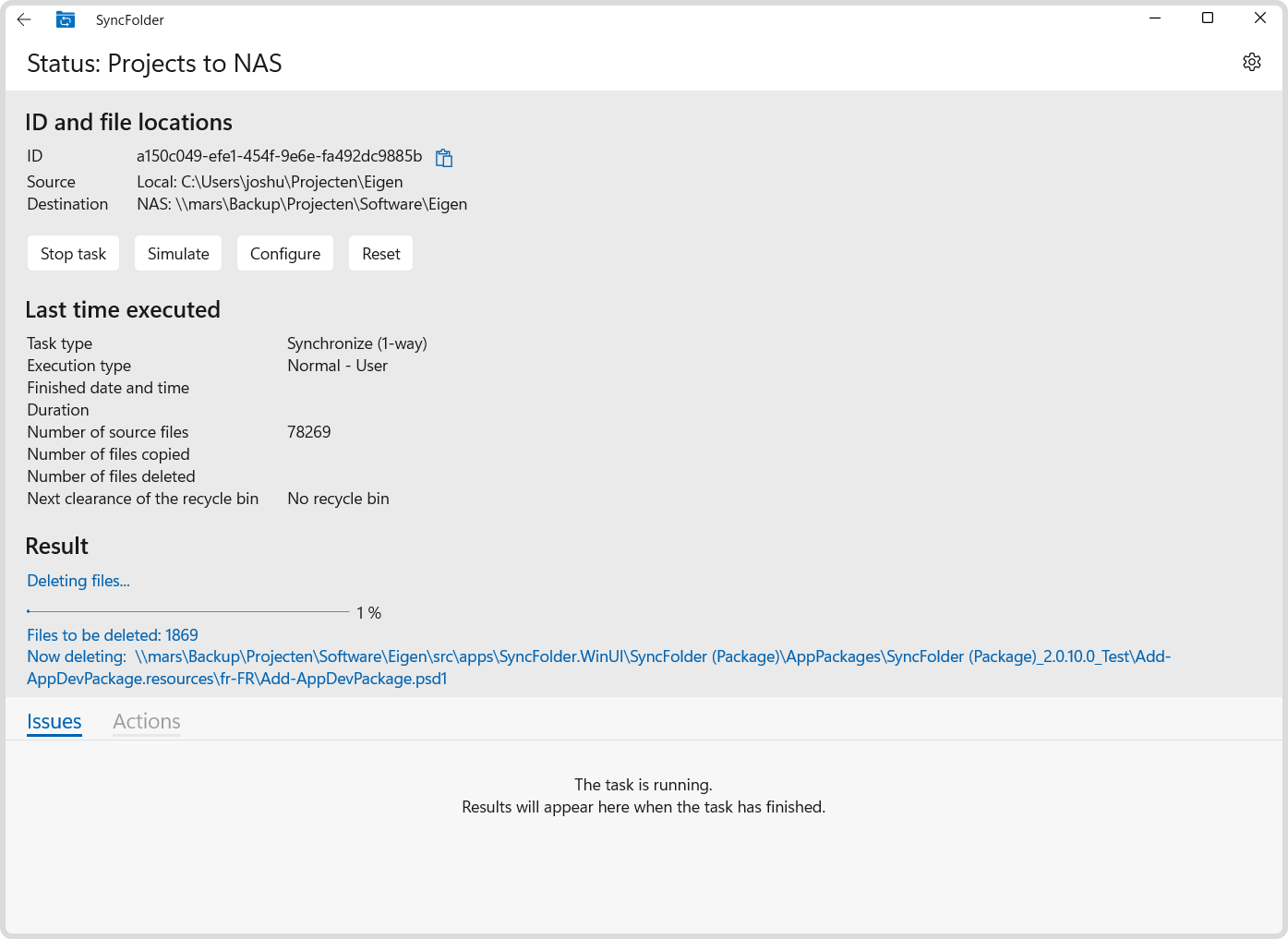
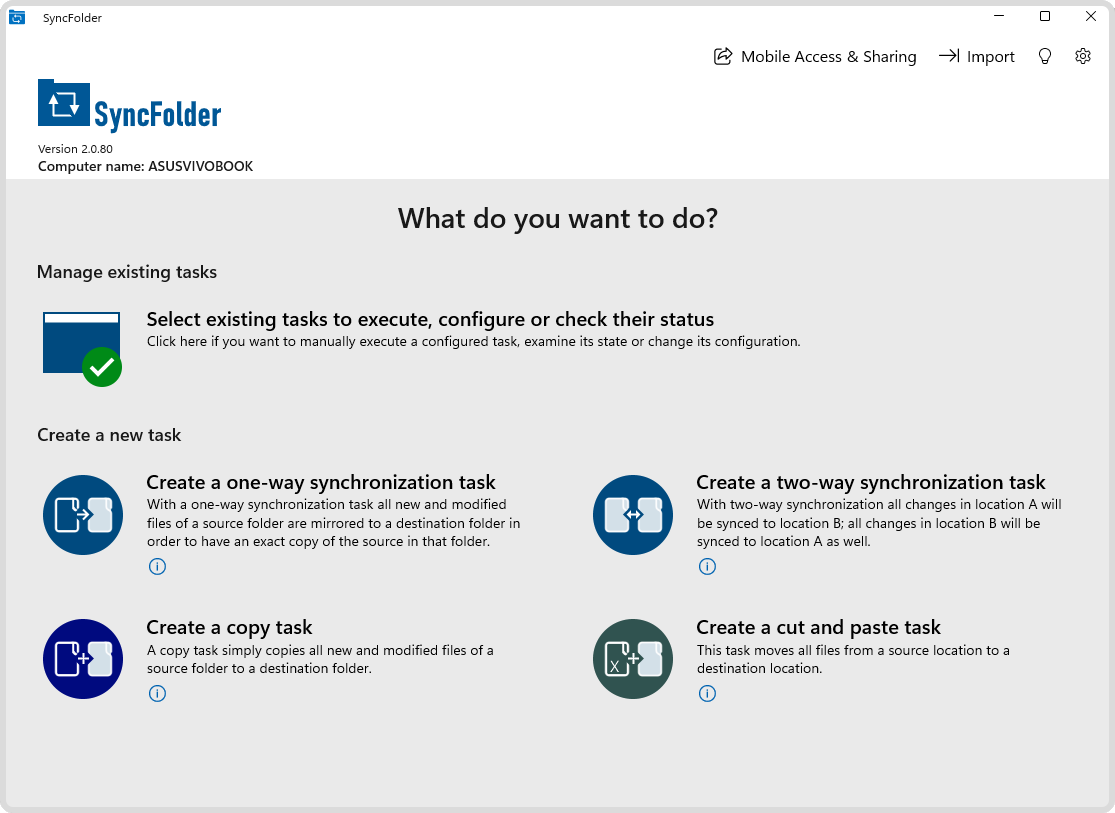
From the Home screen, SyncFolder gives you instant access to all core actions. You can monitor and manually trigger existing tasks, or quickly set up new one-way syncs, two-way synchronizations, file copies, and cut-and-paste movements. Additional quick actions like mobile sharing, importing settings, and application preferences are accessible with a single click.
Android companion
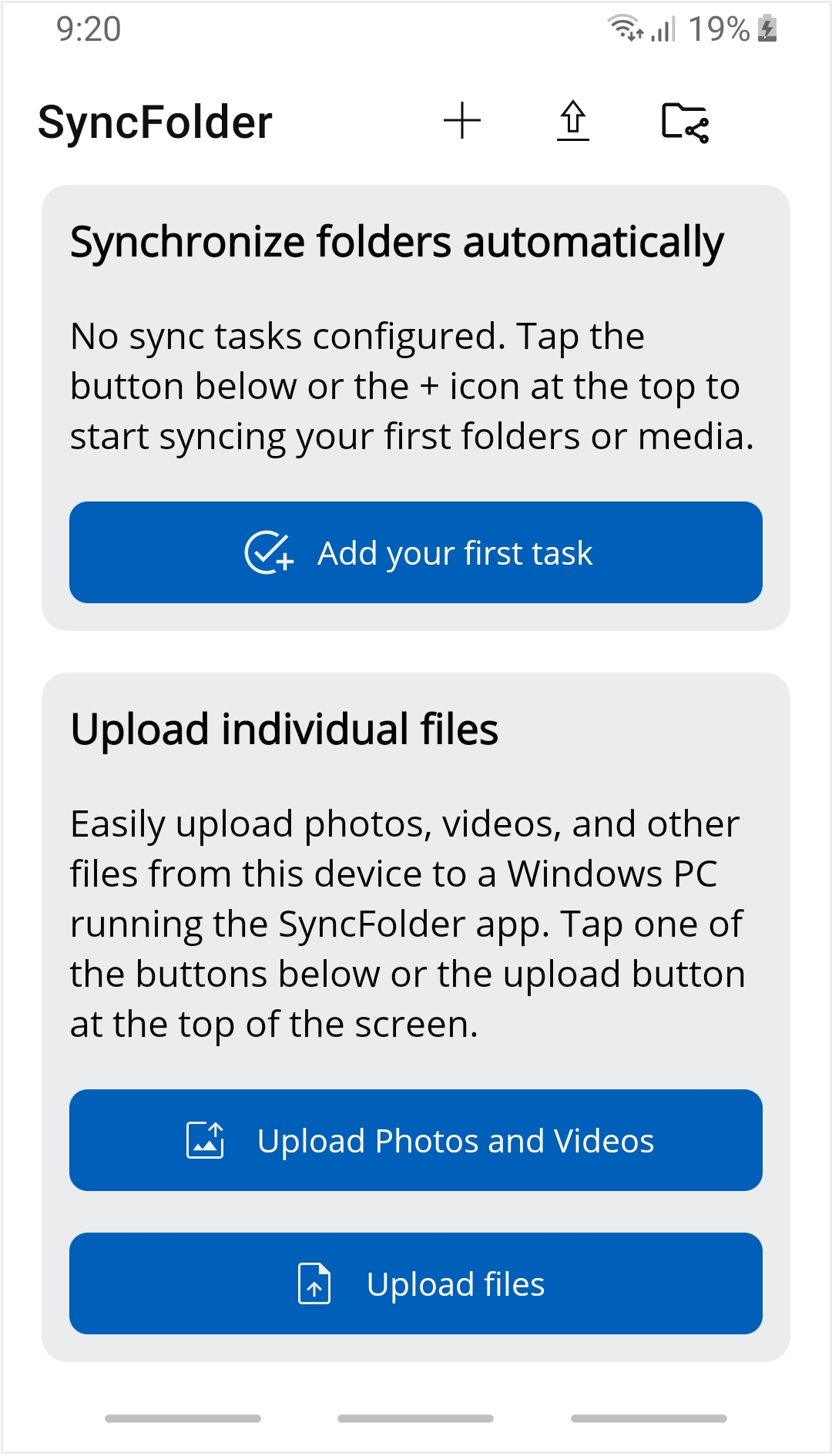
Browse and manage your synced folders on the go, and sync straight to your phone or tablet's own storage with the SyncFolder Android app.
Pair your PC once with a QR code; after that it’s found automatically.
Get it on Google Play